
Application wrapper for Mixcloud
Mixcloud Play is the missing desktop experience for Mixcloud.com with support for media controls and showing current track in menu bar. Enjoy listening to hours of new music...
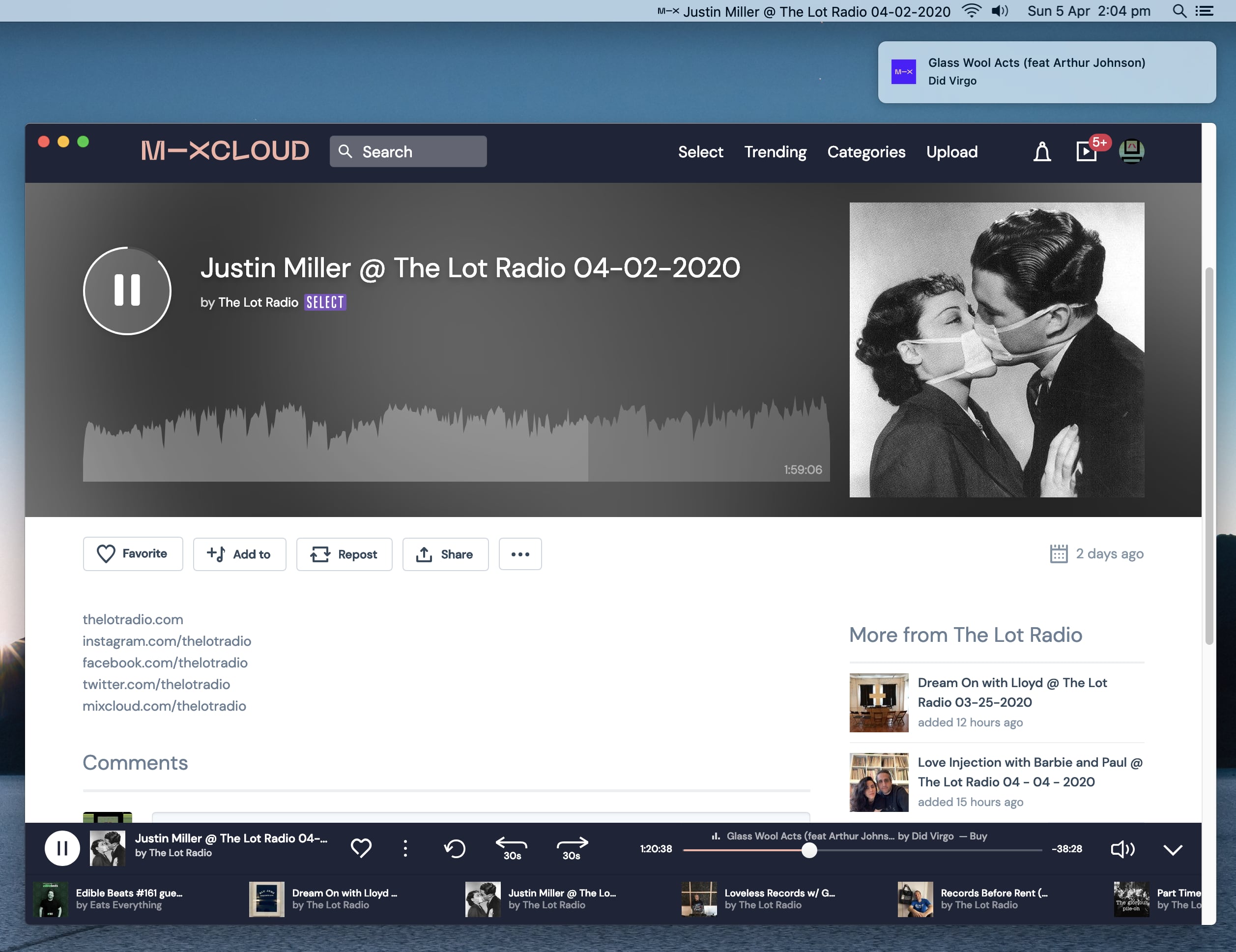
- Media Controls: ⏪ ⏯️ ⏩ (⏪ requires Mixcloud PREMIUM or SELECT)
- Menu Bar track title
- Song info in OS Notifications
- Stores login in local keystore/keychain
- Last.fm Scrobbing (coming soon)
To allow the media key events to be passed through to the app on macOS:
- open System Preferences
- open Security & Privacy
- scroll down and select Accessibility
- Use
+or drag&drop in the Mixcloud Play.app
Open the app and try using the media keys.
npm install
npm run build
OR
npm run startUse the compile macOS .app with Chromium Dev Tools and some extra debugging enabled:
npm run build:debugdocker-compose build
docker-compose run --rm mixcloud-play {any command here}Built app will output to ./dist/mac/Mixcloud Play.app
Publish app updates is set-up as per the GithubOptions for Electron Builds Auto Update.
- Update the app version number in both
package*.jsonfiles.
export GH_TOKEN={token_with_repo_scope}
npm run publish
A release in the specified GitHub repo should be drafted and ready for release.
Linking/locating files inside the build can be hard to know what's going on inside the app.asar (inside Electron). Us the following commands to extract the contents of the .asar.
- Build the app fist
docker-compose run --rm mixcloud-play docker run --rm -it -v $(pwd):/project electronuserland/builder:14-05.21to enter bash inside the containernpm install -g asarasar extract dist/mac/Mixcloud\ Play.app/Contents/Resources/app.asar app_contentswill extract the MacOS "dist" contents to/app_contents/