Introduction
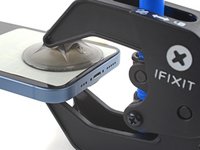
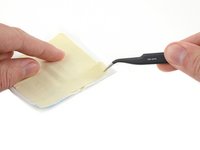
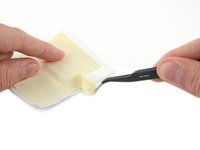
Follow these instructions to use suction tape during Anti-Clamp opening procedures.
Suction tape has two uses: to buffer a difficult surface and to secure one side of a two-panel device. If you don't have the suction tape included with the Anti-Clamp, you can also use smooth adhesive strips like packing tape.
Difficult surfaces can be broken screens, slippery back covers, or anything that prevents the Anti-Clamp from securing properly.
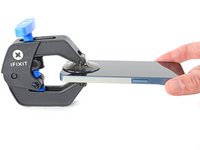
Most devices open from only one side (or "panel")—but some, like the iPhone 14, give you the option of opening either side. Since the Anti-Clamp pulls on both sides simultaneously, it may accidentally separate the wrong side, or both sides.
Note: this guide uses the iPhone 14 as an example; your device may vary in length, roundness, and button placement, but the procedure should be the same.
-
-
Tool used on this step:Clampy - Anti-Clamp$24.95
-
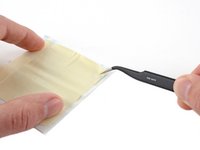
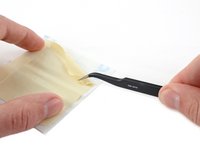
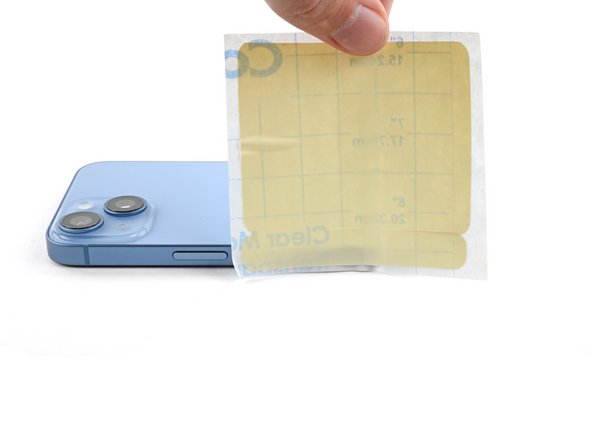
Measure the length of tape you want and mark it with a pen. Consider the following:
-
You need enough tape for the Anti-Clamp's suction cups. Don't leave gaps, or the cups won't stick.
-
Don't use too much tape so it folds over your phone's edges. This may interfere with the opening procedure.
-
-
-
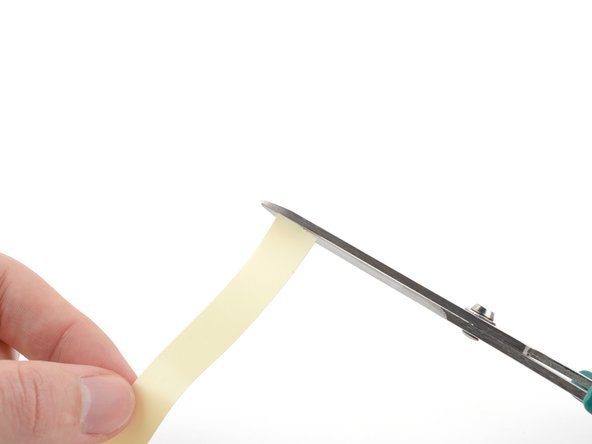
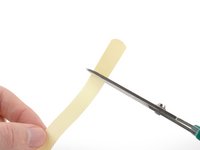
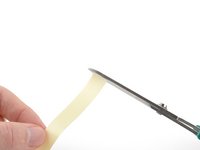
Use scissors to cut the tape to the desired length.
-
Repeat the measuring and cutting procedure for each piece of tape required.
-
-
-
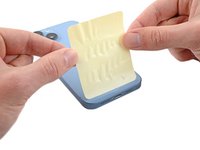
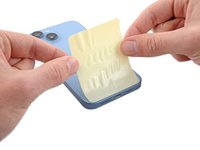
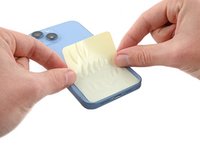
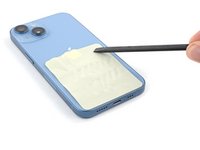
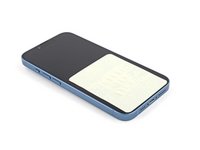
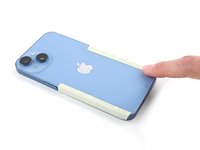
Apply the tape to the panel of your device where you'll attach the Anti-Clamp.
-
-
-
-
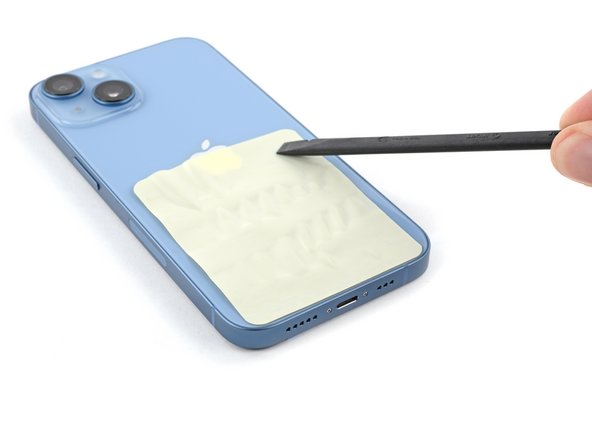
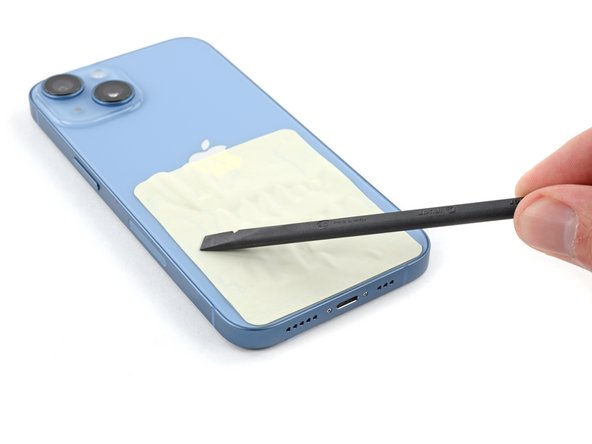
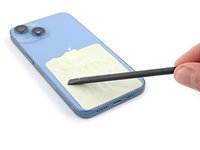
Use the flat end of a spudger, or your finger, to completely secure the tape to your device.
-
Use a spudger to press out any large bubbles.
-
-
-
Repeat the tape measuring, cutting, and applying process for the opposite side of your device.
-
You're now ready to open your device!
-
Follow this guide for general instructions on how to use the Anti-Clamp.
-
-
-
Choose which panel of the device you don't want to open, and the following steps will show how to secure it.
-
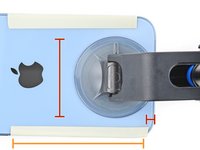
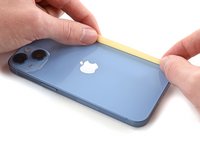
Measure the length of tape you want and mark it with a pen. Consider the following:
-
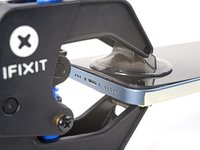
You need to leave room for the Anti-Clamp's suction cups—don't place tape under them, or they won't stick.
-
Use enough tape to ensure a good hold on the panel you don't want to open.
-
-
-
Use scissors to cut the tape to the desired length.
-
Repeat the measuring and cutting procedure for each piece of tape required.
-
-
-
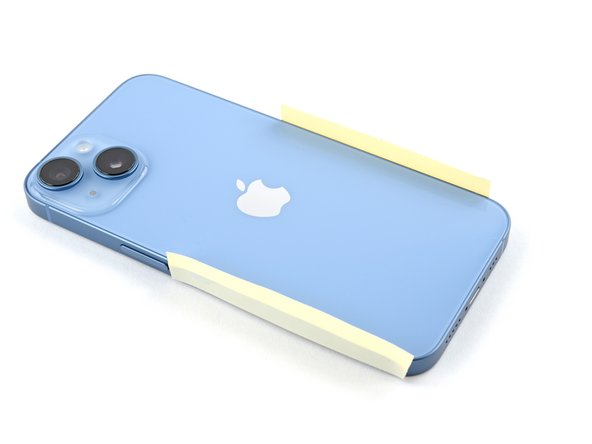
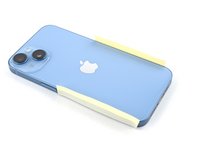
Apply the tape to the edges of your device nearest to where you'll attach the Anti-Clamp.
-
-
-
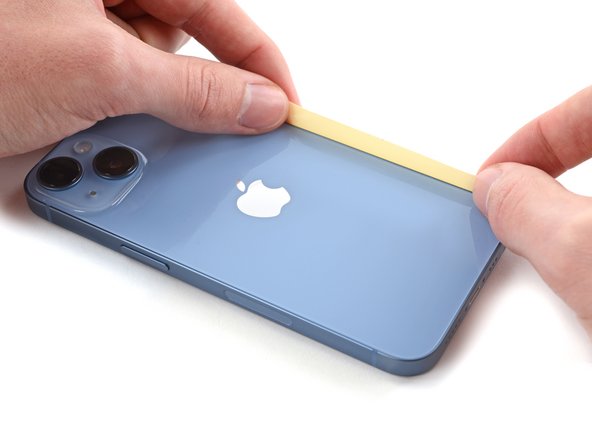
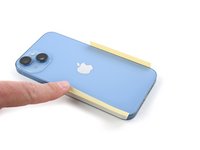
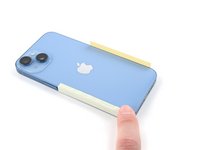
Fold the tape onto the panel you don't want to open.
-
Use your fingers to press down the tape and firmly secure it to your device.
-
-
-
You're now ready to open your device!
-
Follow this guide for general instructions on how to use the Anti-Clamp.
-


 Ask FixBot

















For other general electronics skills guides, click here.
Cancel: I did not complete this guide.
9 other people completed this guide.

Team

3 Guide Comments
I suggest "carpet tape", used to join carpet sections together and often used for temporary joins in wood and metal working setups; or maybe Gorilla brand gaffer tape which is very grippy and has lots of reinforceing fiber strands for low stretch, (useing it now to hold the hinges of a laptop together till I get it fixed properly). Both can be found in most hardware/home care stores in USA. Cleanup of adhesive residue maybe a pain, requireing "goo gone" or WD-40 followed by alcohol wipes.
I would like to check the material of this product. Anyone can help me?
