iFruitAddon2 3.1.1
dotnet add package iFruitAddon2 --version 3.1.1
NuGet\Install-Package iFruitAddon2 -Version 3.1.1
<PackageReference Include="iFruitAddon2" Version="3.1.1" />
<PackageVersion Include="iFruitAddon2" Version="3.1.1" />
<PackageReference Include="iFruitAddon2" />
paket add iFruitAddon2 --version 3.1.1
#r "nuget: iFruitAddon2, 3.1.1"
#:package iFruitAddon2@3.1.1
#addin nuget:?package=iFruitAddon2&version=3.1.1
#tool nuget:?package=iFruitAddon2&version=3.1.1


iFruitAddon2
An updated version of the original iFruitAddon by CamxxCore.
This is a developer resource, it allows you to handle the game's phone to add contacts, change the button's appearance, wallpaper, and more!
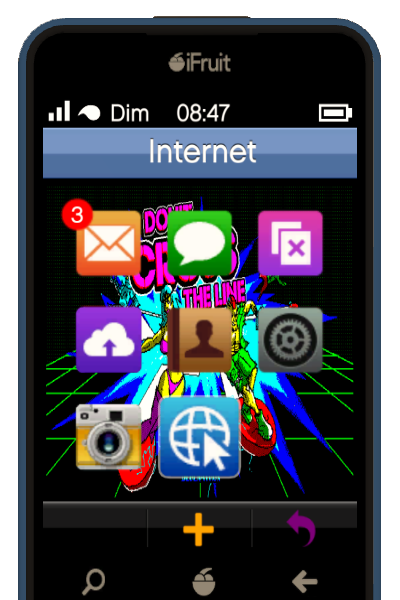
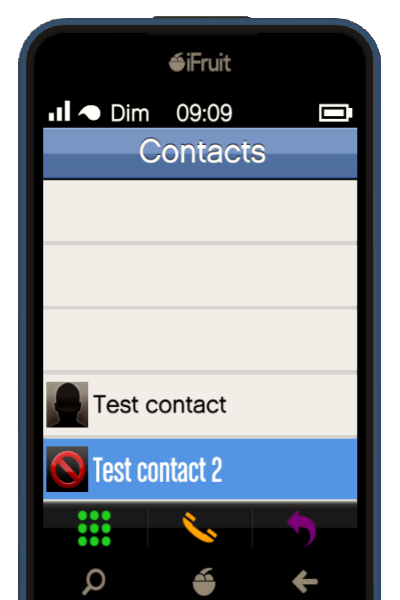
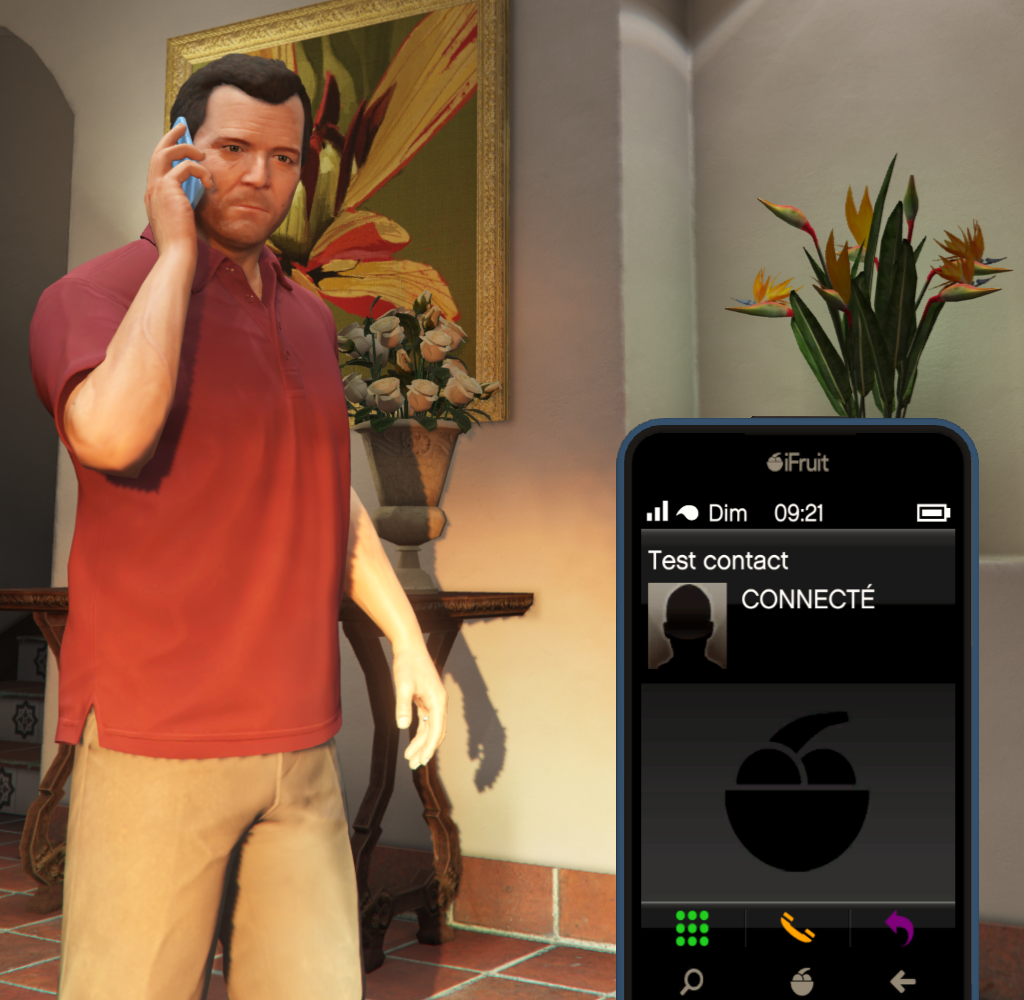
Installation
- Requires ScriptHookVDotNet v3
- Put the file like any other SHVDN scripts in your
GTA V\scriptsdirectory
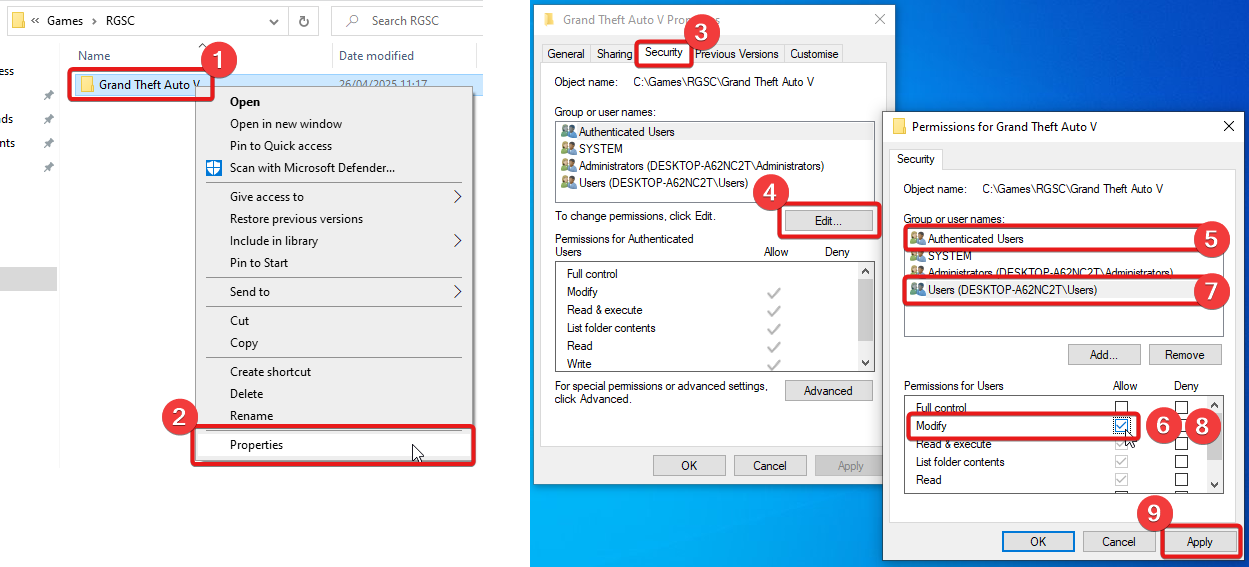
⚠️ Reminder to allow mods to create files in your GTA V directory
By default, mods won't be allowed to create files and folders. This can be an issue since iFruitAddon2 write its config file in scripts\iFruitAddon2\. You need to allow your computer users to modify GTA V main directory:
How to use (developer)
- Reference
iFruitAddon2.ddlin your project. - Copy
iFruitAddon2.ddlto ScriptHookVDotNet scripts folder.
An example script is available here.
If you are used to iFruitAddon, you will see two main differences:
- There is no need to set the index of your contacts (they will all be added one after the other at the bottom of the phone's list). It means mods' contacts cannot overlap each other anymore!
- You need to call the CustomiFruit
Close(int)method when you no longer need the phone (conversation is over, etc.). This method will close the phone after the specified delay (in milliseconds). You can also callClose()without argument to close the phone immediately.
What's new?
- Contact indexes are set automatically and are shared between mods (you cannot overwrite another mod's contact anymore).
- You can close the phone using the
Close(int)method. It is useful if you use a contact to open a NativeUI menu. Since NativeUI menus use the same controls to navigate as the phone, you can close the phone to avoid navigating in the menu while browsing your menu. - You can set the contact name to bold in the contact list (use
.Boldproperty ofiFruitContact). - Updated list of phone contact's pictures.
- Displays CONNECTED on the phone's UI when the contact has answered.
- Automatically localized texts ("DIALING...", "BUSY...", "CONNECTED", etc.).
| Product | Versions Compatible and additional computed target framework versions. |
|---|---|
| .NET Framework | net48 is compatible. net481 was computed. |
-
.NETFramework 4.8
- Microsoft.CSharp (>= 4.7.0)
- ScriptHookVDotNet3 (>= 3.6.0 && < 4.0.0)
NuGet packages
This package is not used by any NuGet packages.
GitHub repositories
This package is not used by any popular GitHub repositories.
Readded old methods to set wallpaper for compatibility and flagged them as obsolete